Day Dialog
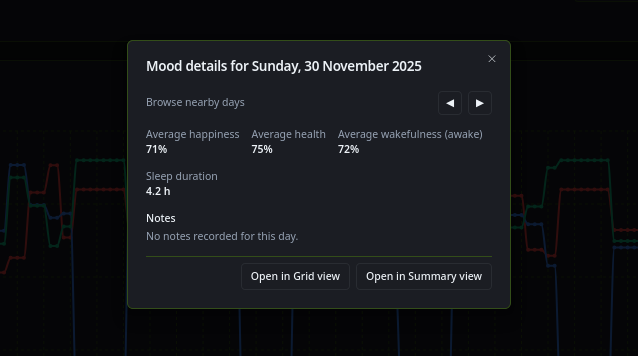
Clicking the date-labels in grid or summary view, or a spot in the graph in stats view, now brings up the day dialog.
It summarises the day showing notes taken, average happiness and sleep duration etc. Skip buttons for prior and next day.
Also buttons to open that day in the other views, so if you’re interested in a day on the stats graph, you can click it and skip to it in summary or grid.
And vice versa.